Comparison
Keep your payroll system, or use its built-in payouts?
Toku is an employer of record and global payroll provider in 100+ countries, paying teams in local currency or stablecoins. Compare your current provider’s payout option with an integration for your existing payroll system.
Explore stablecoin payroll for the service overview, costs and country requirements.
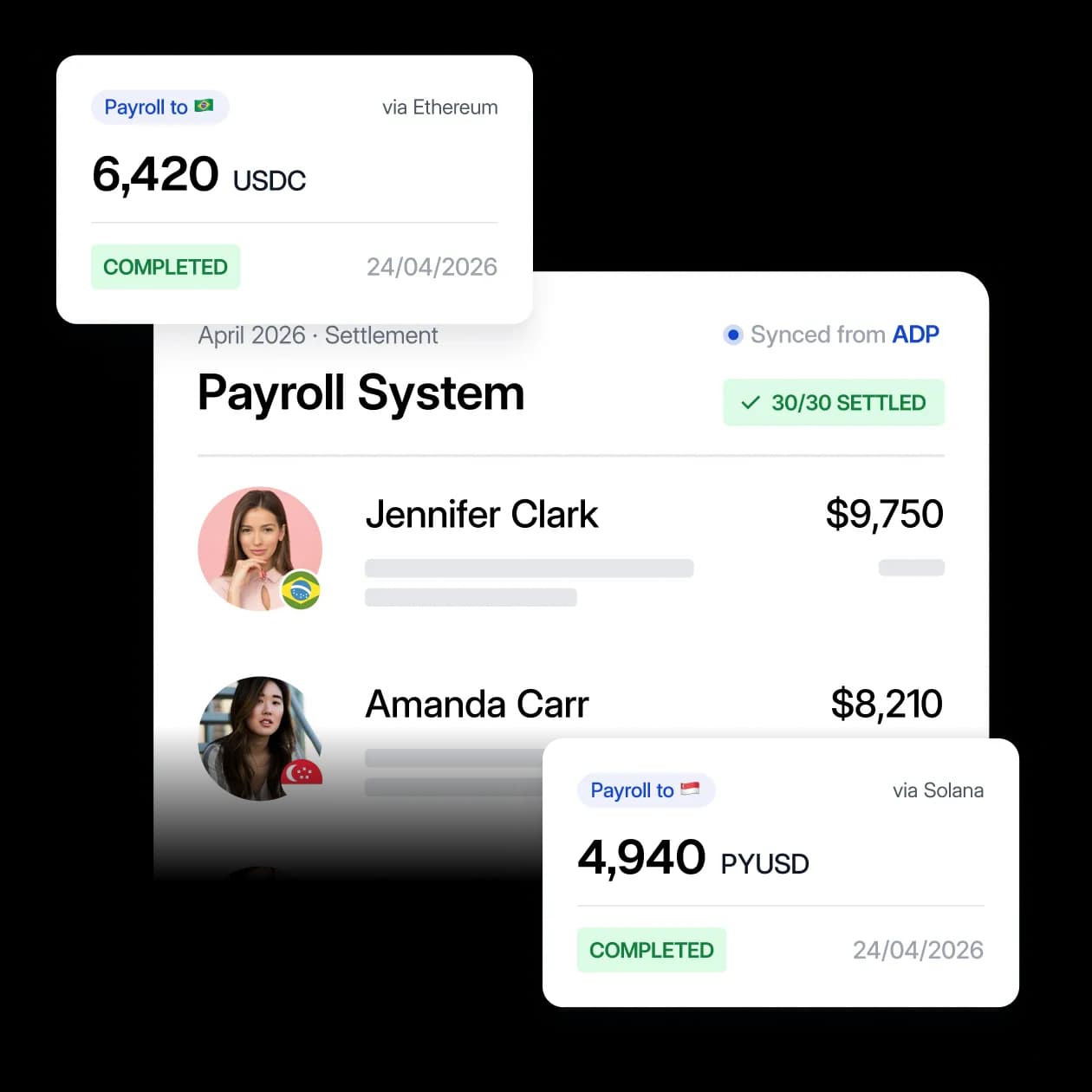
Which should you choose?
Switching probably is not worth it if your current provider already meets your worker, payout, reporting and support needs at an acceptable total cost. These recommendations are editorial judgments based on the documented scope below.
Consider Toku for your existing payroll system
You want to add stablecoin payouts alongside your current setup. Confirm countries, workers, integration scope and payout method before choosing.
Source: Toku payroll overview
Stay with Deel if its employee option fits
You already use Deel EOR or Direct Employee Payroll, your employees are eligible, and a 10–25% stablecoin allocation of net salary meets their needs. Evaluate that option before adding another provider.
Source: Deel Help Center
Stay with Gusto for eligible contractor USDC payouts
You already use Gusto and need its documented USDC option for eligible international contractors. Confirm countries and costs before adding another system.
Source: Gusto
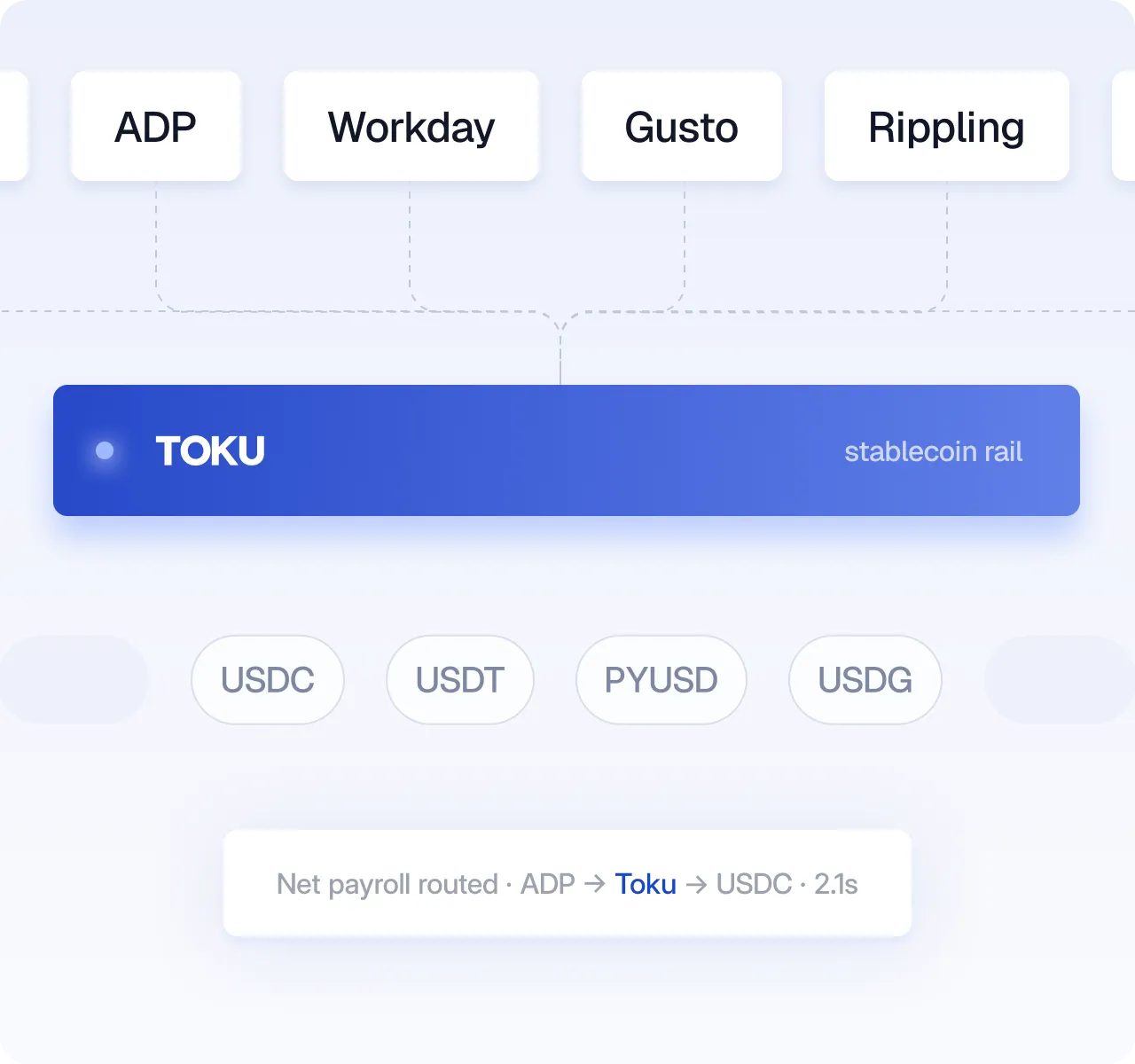
Your existing payroll system
Toku documents integrations with ADP, Workday, UKG and Gusto. Confirm your integration scope before choosing.
Source: Toku payroll overview
vs Deel
The documented employee payout option requires an active EOR or Direct Employee Payroll contract. Existing eligible customers need not switch providers.
Source: Deel Help Center
vs Gusto
Eligible Gusto employers can pay international contractors through their existing Gusto platform.
Source: Gusto
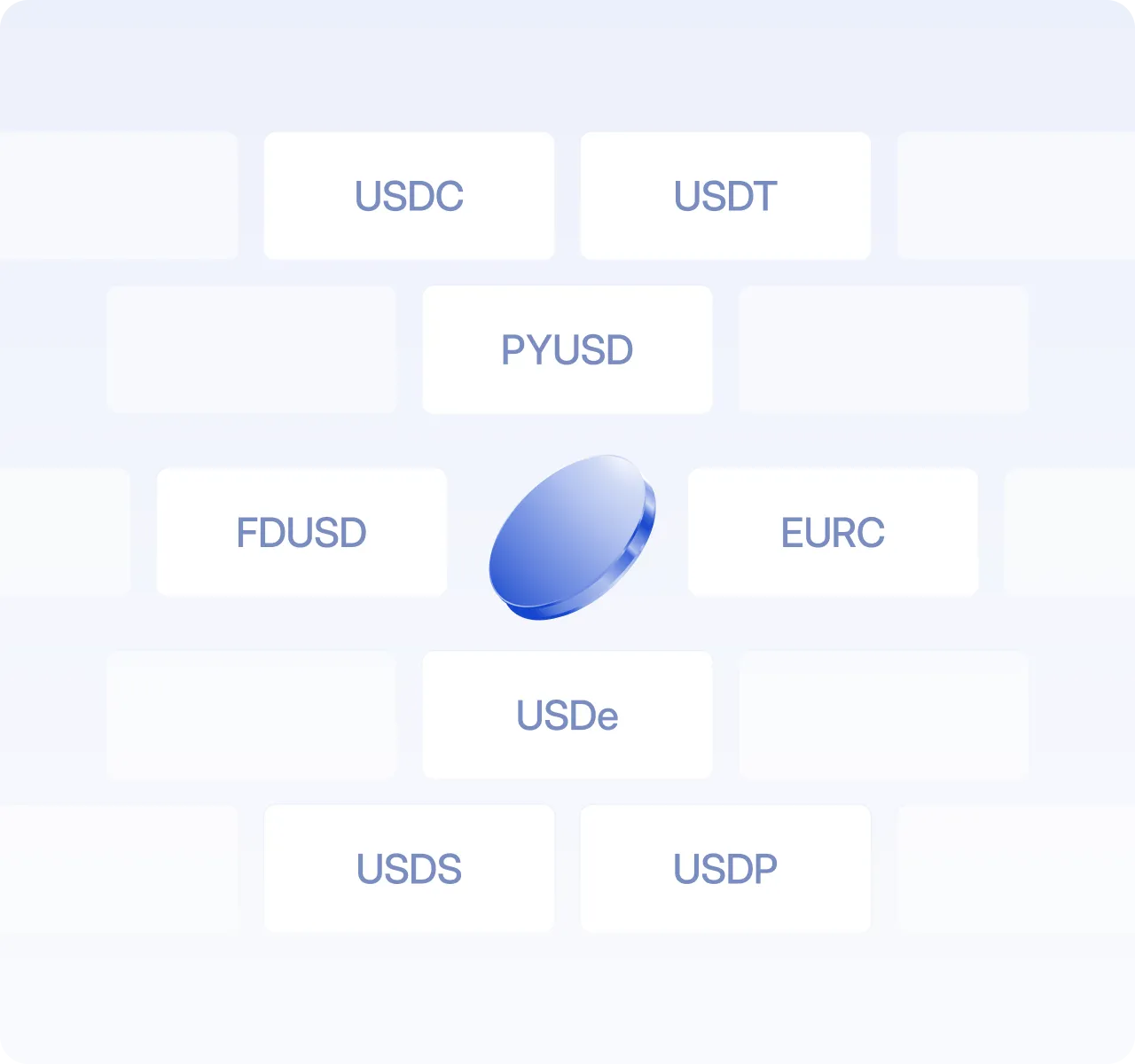
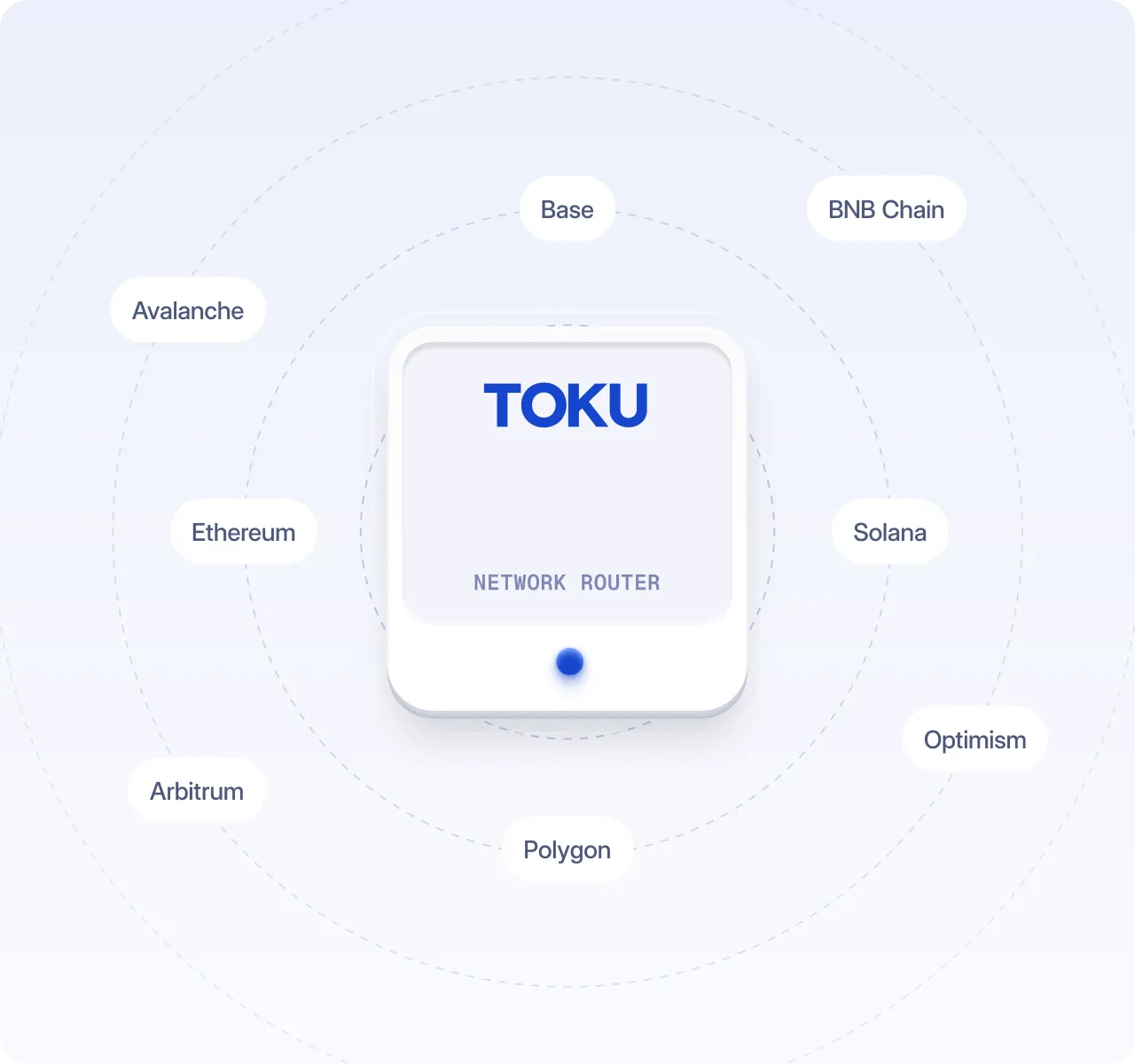
Supported assets and networks
Confirm the exact stablecoin, network, wallet and recipient access for your proposed run. Universal availability is not assumed.
Source: Toku payroll overview
vs Deel
USDC, EURC and USDT are documented for employees. USDT is unavailable for EU employees. Confirm the network during wallet setup.
Source: Deel Help Center
vs Gusto
USDC is documented. Confirm supported countries, networks and wallet requirements before rollout.
Source: Gusto
Setup and payroll cutoff
Confirm who owns calculations, tax filings, payslips and payment reconciliation when connecting the systems.
Source: Toku payroll overview
vs Deel
Add a stablecoin wallet, complete verification and save the salary split before payroll cutoff. Otherwise that cycle remains fiat.
Source: Deel Help Center
vs Gusto
International contractors select Stablecoin in their Gusto payment settings. Eligibility still applies.
Source: Gusto
Fees and service scope
Per-worker pricing; request itemized service, payment, conversion, network and recipient charges before onboarding.
Source: Toku payroll overview
vs Deel
The employee guide states no provider, transaction or gas fees for receiving salary. This is not a complete employer quote.
Source: Deel Help Center
vs Gusto
The announcement does not provide a complete cost for a matched workload. Confirm the plan and all payout charges.
Source: Gusto
Comparison Table
Toku vs Deel vs Gusto: Stablecoin Payroll, Side by Side
The capabilities that decide whether stablecoin payroll fits how you already work: which payroll systems each one runs with, which stablecoins and networks they support, and who on your team can actually get paid. Eligibility, country and contract restrictions matter; confirm the scope for your proposed run.
Capability

Deel
Gusto
Existing payroll system
Toku documents integrations with ADP, Workday, UKG and Gusto. Confirm your integration scope before choosing.
The documented employee payout option requires an active EOR or Direct Employee Payroll contract. Existing eligible customers need not switch providers.
Eligible Gusto employers can pay international contractors through their existing Gusto platform.
Worker eligibility
Review employee or contractor service scope and payout eligibility for each country.
Eligible EOR and Direct Employee Payroll employees in supported countries, with USD, EUR or GBP contract currencies.
The announced USDC option covers eligible international contractors. It does not establish employee eligibility.
Asset and network
Confirm the exact stablecoin, network, wallet and recipient access for your proposed run. Universal availability is not assumed.
USDC, EURC and USDT are documented for employees. USDT is unavailable for EU employees. Confirm the network during wallet setup.
USDC is documented. Confirm supported countries, networks and wallet requirements before rollout.
Salary allocation
Agree the payout method and employment requirements for each worker before launch.
Employees can allocate 10–25% of net salary to stablecoins, after employer enablement and wallet verification.
This is a contractor payout option; the announcement does not document employee salary splits.
Setup and cutoff
Confirm who owns calculations, tax filings, payslips and payment reconciliation when connecting the systems.
Add a stablecoin wallet, complete verification and save the salary split before payroll cutoff. Otherwise that cycle remains fiat.
International contractors select Stablecoin in their Gusto payment settings. Eligibility still applies.
Fees and scope
Per-worker pricing; request itemized service, payment, conversion, network and recipient charges before onboarding.
The employee guide states no provider, transaction or gas fees for receiving salary. This is not a complete employer quote.
The announcement does not provide a complete cost for a matched workload. Confirm the plan and all payout charges.
Note: Prepared by Codex for Toku. Sources checked 15 October 2026 against the public vendor pages linked beside each claim. Documented only; no firsthand product testing or negotiated quotes. Illustrations are not test evidence.
Evaluation scorecard
12 questions to ask before choosing a stablecoin payroll provider
A payment demo proves that the rail works. These questions test whether the provider can support the payroll controls, country coverage, and finance evidence your team needs.
What stays the system of record?
Confirm where earnings, deductions, withholding, approvals, and net pay remain authoritative.
Who can receive stablecoins?
Test the exact employee, contractor, country, asset, and payment arrangement you need.
How is employee choice documented?
Look for a clear opt-in, effective date, cutoff, and controlled process for changing an election.
How are payout destinations governed?
Require verification, role-based access, approval history, and a defined wallet-change process.
Who owns screening and review?
Map onboarding, sanctions screening, potential matches, payment blocks, and retained evidence.
How are local obligations handled?
Ask for responsibilities by country across wages, withholding, reporting, and record retention.
Which valuation rule is used?
Document the data source, timestamp, fallback, and fiat value used across payroll and accounting.
Can every line be reconciled?
Connect each approved payroll line to funding, payout status, fees, and the accounting output.
What happens when something fails?
Walk through incomplete verification, insufficient funding, a late wallet change, and a pending payout.
Who controls the funds?
Understand custody, signing authority, segregation, partners, and approvals from funding to receipt.
What is the total operating cost?
Include implementation, conversion, custody, support, exceptions, and reconciliation, not only network fees.
Can the controls be proven before launch?
Require a narrow pilot, written success criteria, parallel reconciliation, and accountable sign-off.
How to score the answers
Score each answer from absent, to manual, to controlled, to integrated. Treat any missing control in worker eligibility, withholding, access, custody, or reconciliation as a stop sign rather than averaging it away.
Frequently Asked Questions
See Toku in action
Pay your team in stablecoins, on the payroll you already run.
Bring your countries, worker types and current provider to confirm the service scope.